
If you find obscure round arrow icons or a microphone icon in the bottom right corner and don’t understand where they came from, it’s easy to solve the problem.
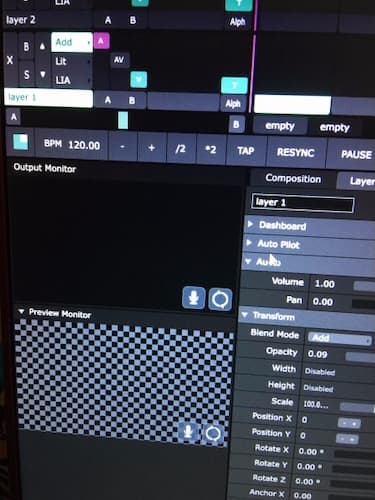
The reason for this is the Nvidia geforce panel overlay.
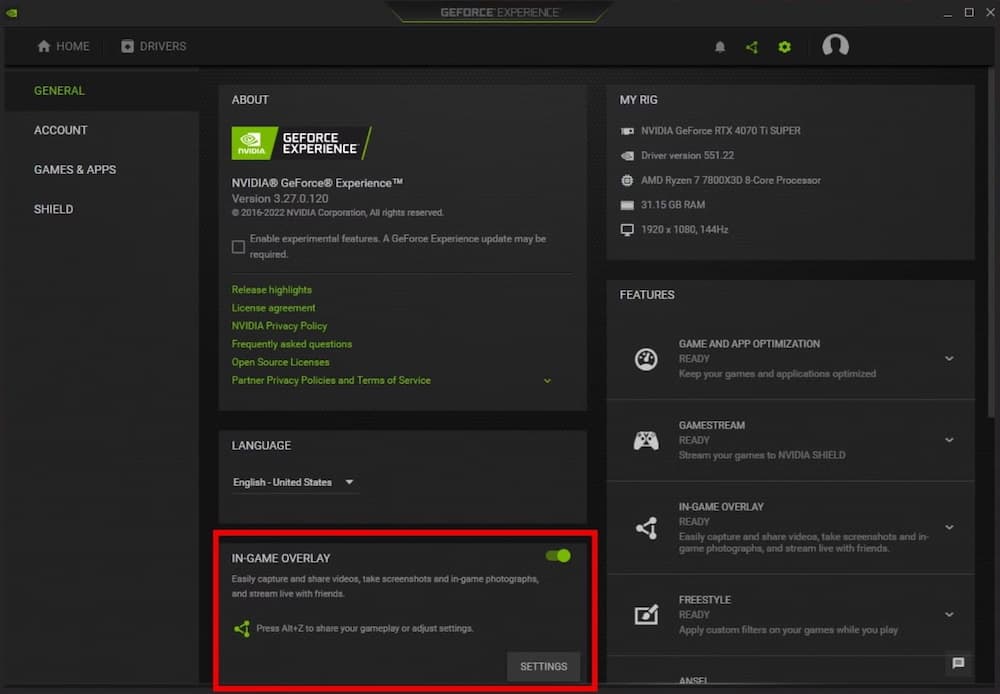
You need to disable overlay mode in GeForce experience settings
Keep your media server clean, do not use any software that may interfere with your computer under load.
Cheers.